ზღაპარი ქართულადუფასოდ
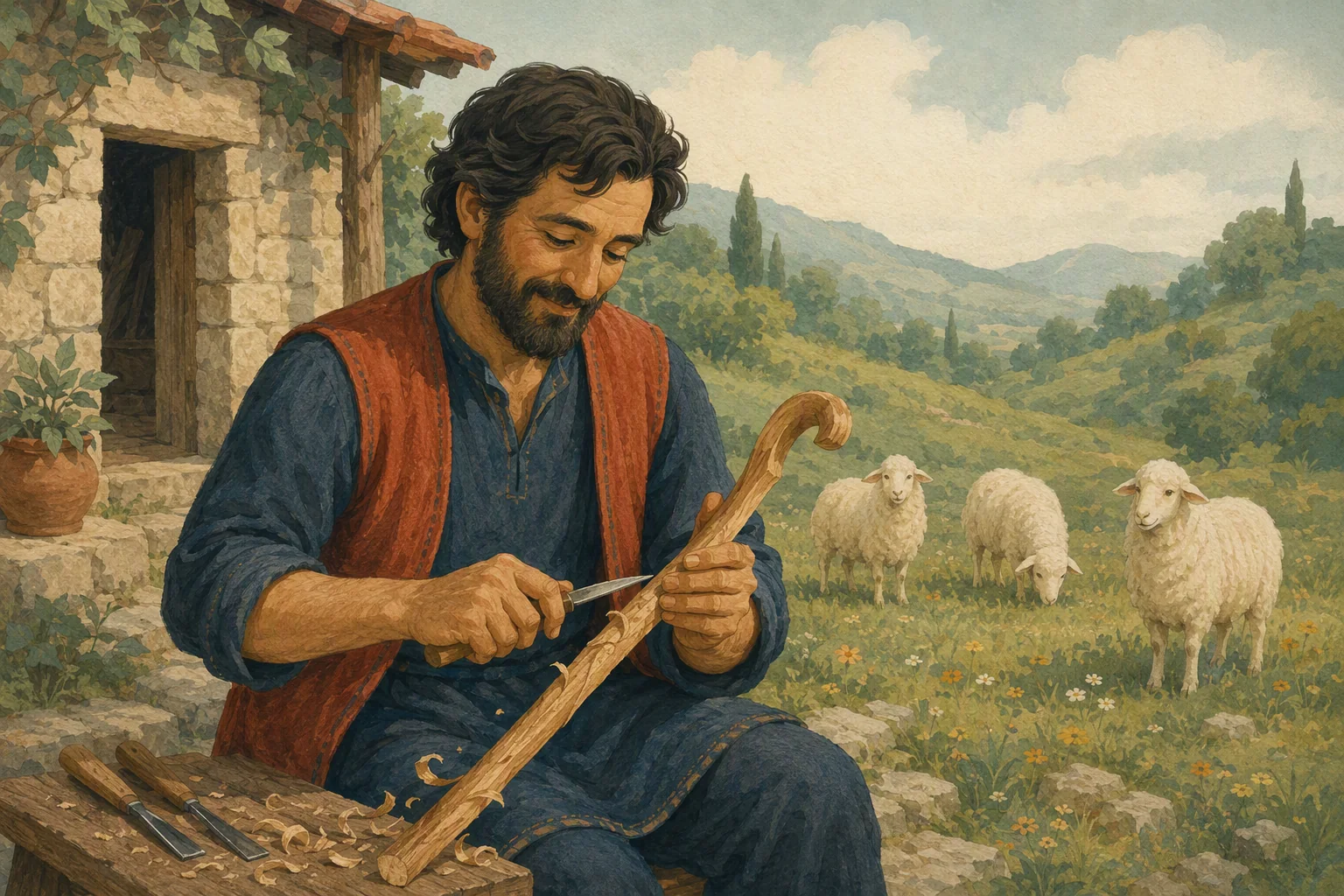
კომბლე
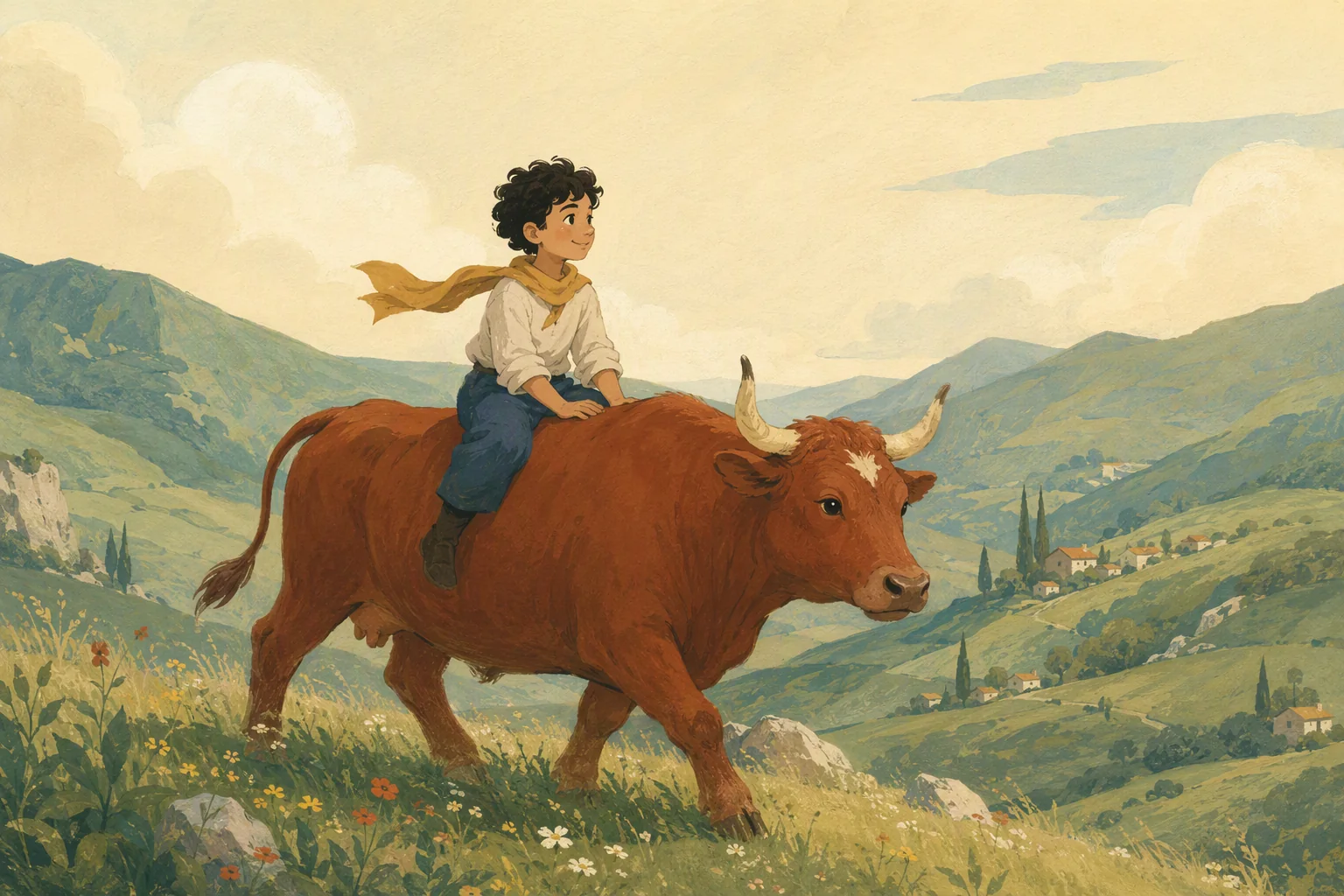
კომბლების მთლელი ბაზარში ძროხის გასაყიდად მიდის. ვაჭრების ხრიკს საკუთარი მოხერხებით პასუხობს — ამ ამბავში სიმართლესა და ეშმაკობას ხშირად უწევთ შეხვედრა.
6:58
სიზმარში, ტყეში თუ თაგვების სოფელში — რომელი ამბით დავიწყოთ?

8–10 წლისთვის · სარედაქციო მინიშნება
არის ობლობა, დედინაცვლის მკაცრი მოპყრობა, დატყვევება და სიცოცხლის საფრთხე. ორი თავი ჩანაწერის ნამდვილ ნიშნულებს მიჰყვება.
ერთად მოსმენის გზამკვლევი4–6 წლისთვის · სარედაქციო მინიშნება
არის წყალში ჩავარდნისა და დახრჩობის საფრთხე. მეგობარი გადარჩება, თუმცა მოლოდინი ზოგი ბავშვისთვის დაძაბული შეიძლება იყოს.
ერთად მოსმენის გზამკვლევი6–8 წლისთვის · სარედაქციო მინიშნება
ამბავი შეიცავს მოტყუებას, მუქარასა და დევთან საფრთხის ეპიზოდებს.
ერთად მოსმენის გზამკვლევი6–8 წლისთვის · სარედაქციო მინიშნება
ამბავში არის მოტაცება, დატყვევება, დაშინება და სხვისი ნების უგულებელყოფა. მეგობრების დახმარება და თანხმობის პატივისცემა მნიშვნელოვანია; მხიარული დასაწყისი საფრთხის ეპიზოდებს არ გამორიცხავს.
ერთად მოსმენის გზამკვლევისაგულდაგულოდ გახმოვანებული ზღაპრები ქართულად, სრულიად უფასოდ.80 ამბავი, 75 სრული და 1 ნაწილობრივი ჩანაწერი და 79 სრული ტექსტი.
ზღაპარი ქართულადუფასოდ
კომბლების მთლელი ბაზარში ძროხის გასაყიდად მიდის. ვაჭრების ხრიკს საკუთარი მოხერხებით პასუხობს — ამ ამბავში სიმართლესა და ეშმაკობას ხშირად უწევთ შეხვედრა.
ზღაპარი ქართულადუფასოდ
მამის დაკარგვის შემდეგ ახალგაზრდა მგზავრი ისეთ ადგილს ეძებს, სადაც სიკვდილი ვერ მიაღწევს. შორი გზა მას დროსა და შინ დაბრუნების მნიშვნელობაზე დააფიქრებს.
ზღაპარი ქართულადუფასოდ
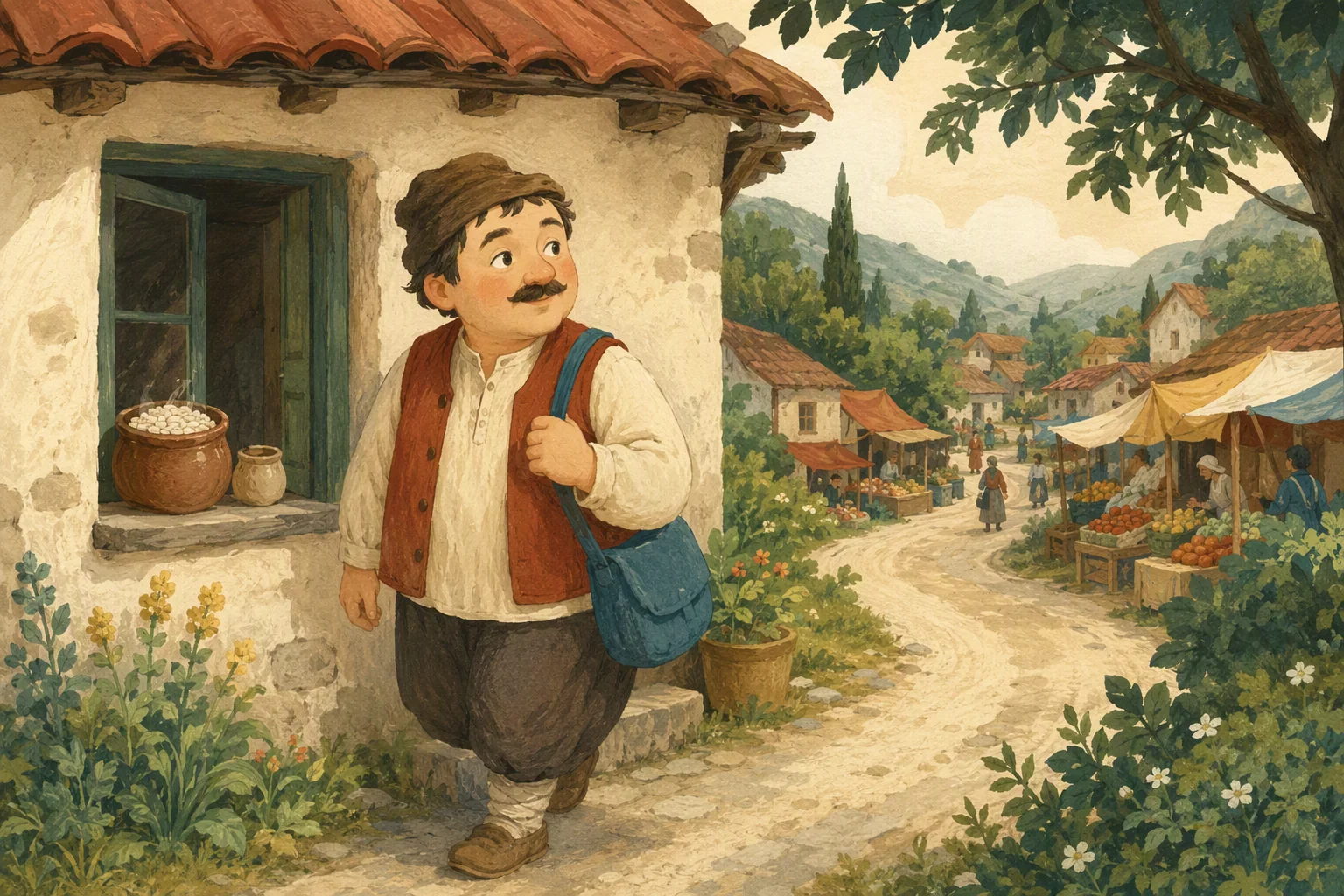
სახლში მარილი გამოილია. კაცი ბაზრის გზას ადგება და სიტყვების დამახსოვრებას ცდილობს, მაგრამ ყოველი შეხვედრა სათქმელს უცვლის.
ზღაპარი ქართულადუფასოდ
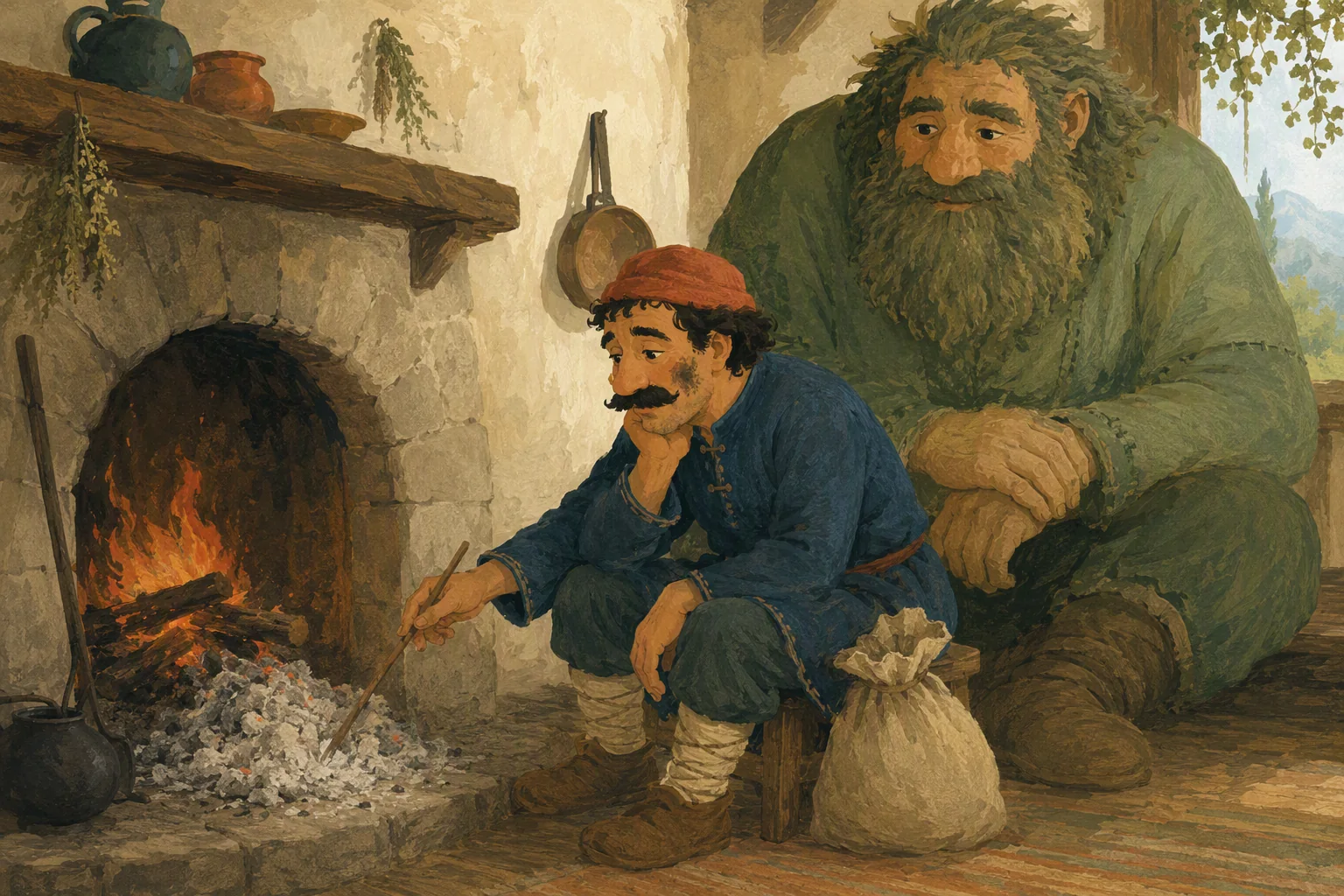
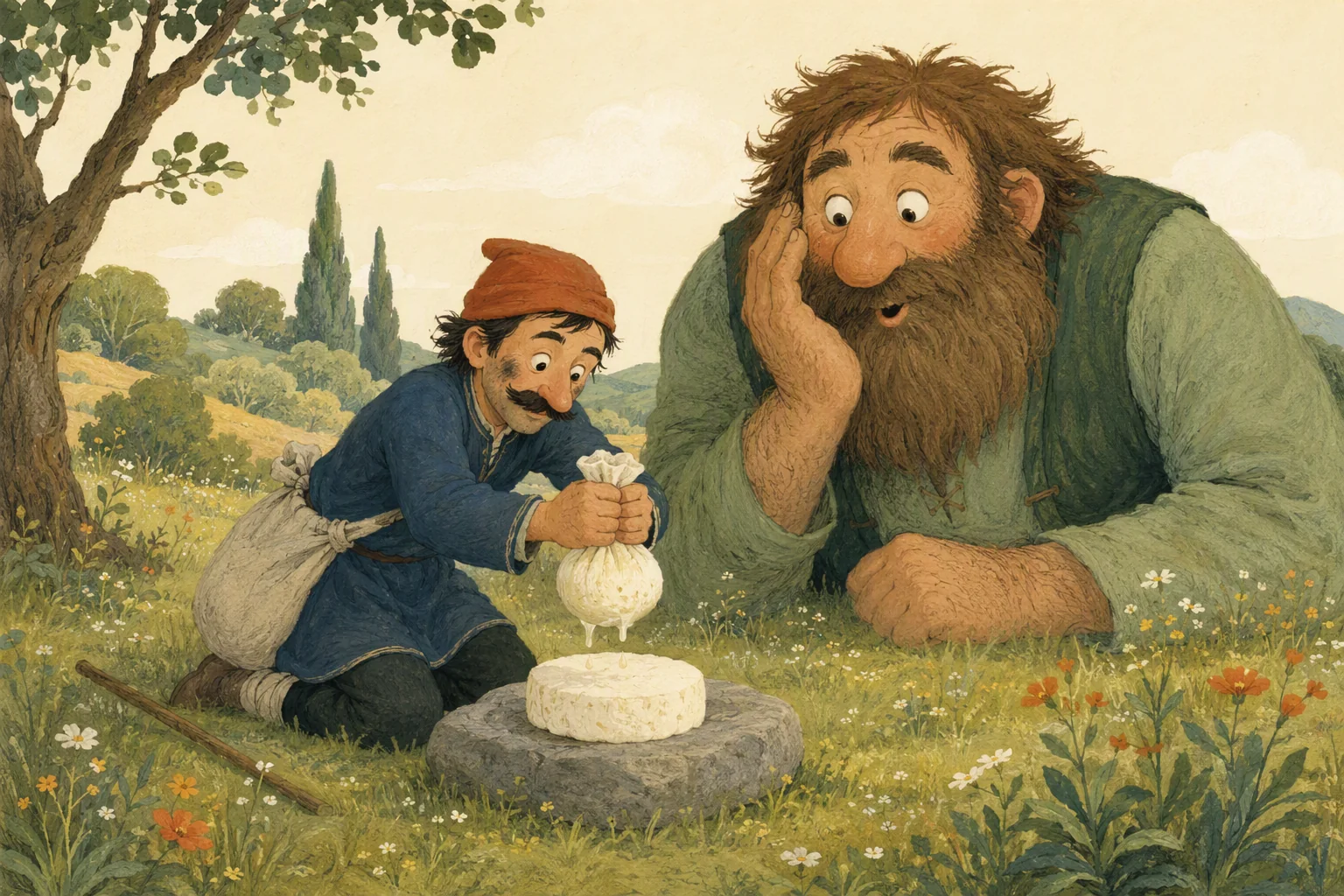
კერასთან ჯდომას მიჩვეული ნაცარქექია სახლიდან ნაცრითა და ყველით მიდის. დევთან შეხვედრისას ძალის ნაცვლად ხერხის გამოცდა უწევს.
ზღაპარი ქართულადუფასოდ
პატარა ნახევარწიწილა ფეტვის მარცვალს პოულობს და ყანას აშენებს. როცა ნაშრომს წაართმევენ, მის დასაბრუნებლად საოცარ გზას გაივლის.
ზღაპარი ქართულადუფასოდ
სიზმარას უცნაური სიზმარი დიდი თავგადასავლის დასაწყისი ხდება. გამოცანები და გზაზე შეძენილი მეგობრები მას სასახლის კარამდე მიაცილებენ.
ზღაპარი ქართულადუფასოდ
უქნარა უშრომელი გამდიდრების გზას ეძებს. უცხო სოფელში გამგზავრებული აღმოაჩენს, რომ სხვის ხარჯზე მოგების გეგმა შეიძლება თავდაყირა დადგეს.
ზღაპარი ქართულადუფასოდ
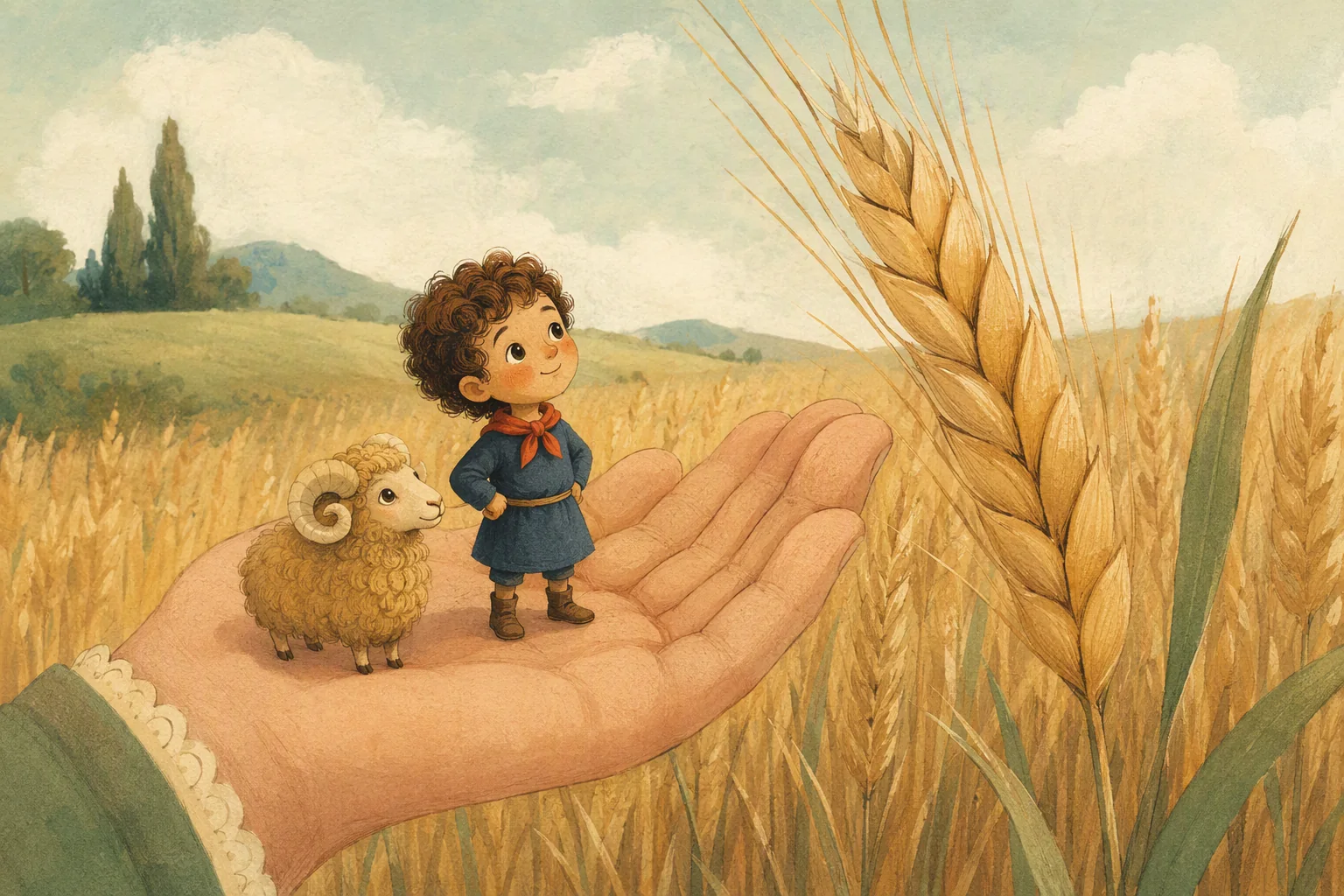
ცერისოდენა ბიჭს დიდი საქმეები ელის: მინდვრის გზა, უჩვეულო მგზავრობა და შინ დაბრუნება. მცირე ზომა მის გამბედაობას ვერ ზღუდავს.
ზღაპარი ქართულადუფასოდ
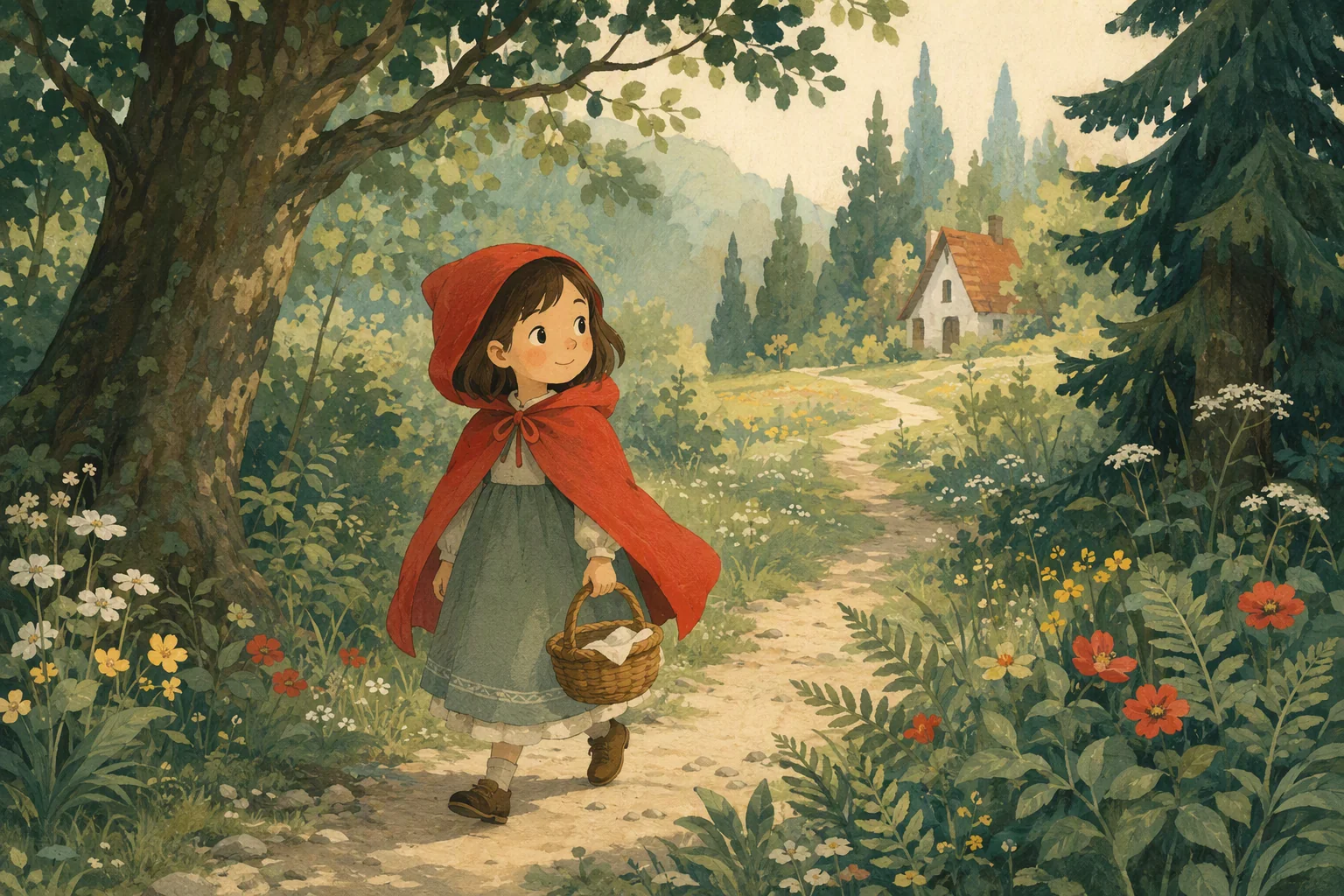
წითელქუდა კალათით ტყის ბილიკს მიუყვება. ბებიასთან მიმავალი გზისა და მგელთან შეხვედრის ნაცნობი ამბავი — მოწოდებული ჩანაწერით.
ზღაპარი ქართულადუფასოდ
ბიჭისა და წიქარას მეგობრობა მძიმე განსაცდელს უძლებს. ერთად გავლილ გზაზე ერთგულებას პატარა დამხმარეებიც ემატებიან.
ზღაპარი ქართულადუფასოდ
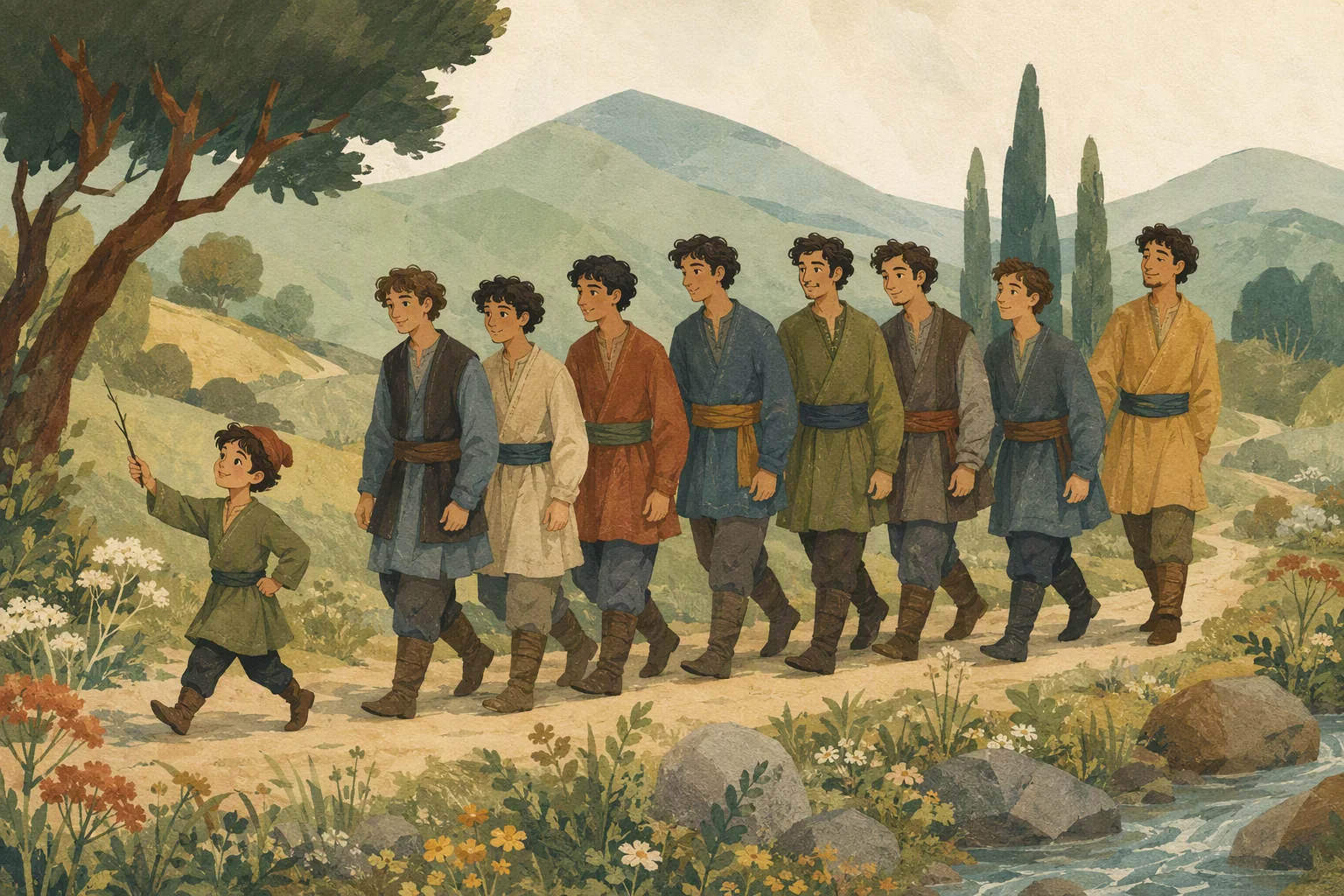
ცხრა ძმა სამუშაოს საძებნელად მიდის. მათ შორის ყველაზე პატარა ხუთკუნჭულაა — გამოსავალს მაშინაც პოულობს, როცა სხვები გზას ვეღარ ხედავენ.
ზღაპარი ქართულადუფასოდ
ხელმწიფეს ღიმილი დავიწყებია. უმცროსი ვაჟი მამის დარდის მიზეზს ეძებს და საიდუმლოს კვალს შორეულ გზაზე მიჰყვება.
აირჩიე ადგილი,
რომელიც დღეს გიზიდავს.
Dadu · dadu.ge
რომელი ზღაპრის მოსმენა გინდა?
გვითხარი მისი სათაური — წერილის გაგზავნაში უფროსს სთხოვე დახმარება.
ჯერ ზღაპრებში მოვძებნოთ